How to Use a Mood Board Creator for Stunning Designs
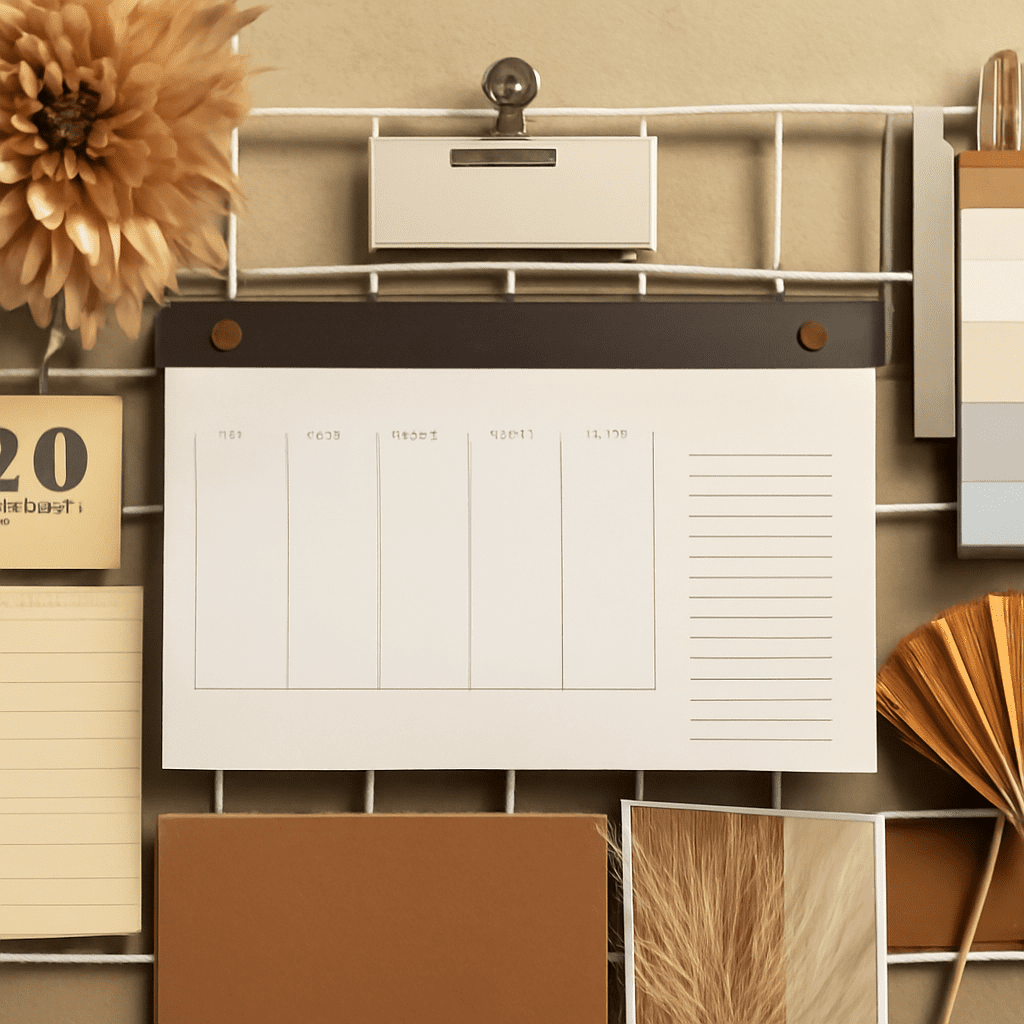
A mood board is a powerful tool for designers, artists, and creatives to visually convey a concept or theme. Using a mood board creator can streamline the process, allowing you to compile and present ideas cohesively. Whether you’re a seasoned designer or just starting, understanding how to create a mood board can greatly enhance your project presentations.
What is a Mood Board?
A mood board is a visual representation of your ideas. It typically consists of images, colors, textures, and text that together communicate the essence of a design project. Mood boards are frequently used in fashion, interior design, branding, and marketing to help align vision and direction with clients or team members.
Benefits of Using a Mood Board Creator
Utilizing a mood board creator offers several advantages. Firstly, it simplifies the process of gathering and organizing your ideas. These tools often provide templates and user-friendly interfaces that save time. Secondly, digital mood boards can be easily shared and edited, facilitating collaboration. Finally, using a mood board creator allows for flexibility in design adjustments, ensuring your final product aligns with your vision.
Step-by-Step Guide on How to Create a Mood Board
Gather Inspiration
Begin by collecting images, color palettes, and textures that resonate with your project’s theme. Look for inspiration in magazines, online platforms like Pinterest, or design websites. Keep your target audience in mind to ensure your selections are relevant and align with your project’s goals.
Select a Mood Board Creator Tool
Choose a mood board creator tool that suits your needs. Popular options include Canva, Adobe Spark, and Milanote. These platforms offer diverse features such as drag-and-drop interfaces, templates, and easy export options. Explore their functionalities to find the one that best supports your workflow.
Organize Your Elements
Once you’ve selected your mood board creator, start organizing your elements. Begin by selecting a layout or template that fits the scope of your project. Place your images, colors, and textures in a manner that tells a story. Be mindful of balance and hierarchy, ensuring the most important elements stand out.
Refine and Finalize Your Design Board
After arranging your elements, take a step back to review the overall composition. Make necessary adjustments to ensure cohesiveness and clarity. Consider adding annotations or notes to explain certain choices or to guide the viewer’s interpretation. Once satisfied, finalize your design board by saving or exporting it in the desired format.
Tips for Effective Mood Board Design
- Keep It Focused: Avoid clutter by being selective with your elements. Each item should serve a purpose and contribute to the overall theme.
- Use a Consistent Color Palette: Colors are powerful communicators. Choose a palette that reinforces your concept and maintains visual harmony.
- Tell a Story: Arrange your elements in a way that guides the viewer through your thought process. A well-structured narrative enhances understanding and engagement.
- Be Open to Feedback: Share your mood board with peers or clients to gather insights. Constructive feedback can lead to valuable improvements.
Creating a mood board is an essential skill for any design project. By following these steps and utilizing a mood board creator, you can effectively translate your vision into a compelling visual narrative that captivates and communicates your ideas with clarity and impact.