How to Use an Album Cover Creator Effectively
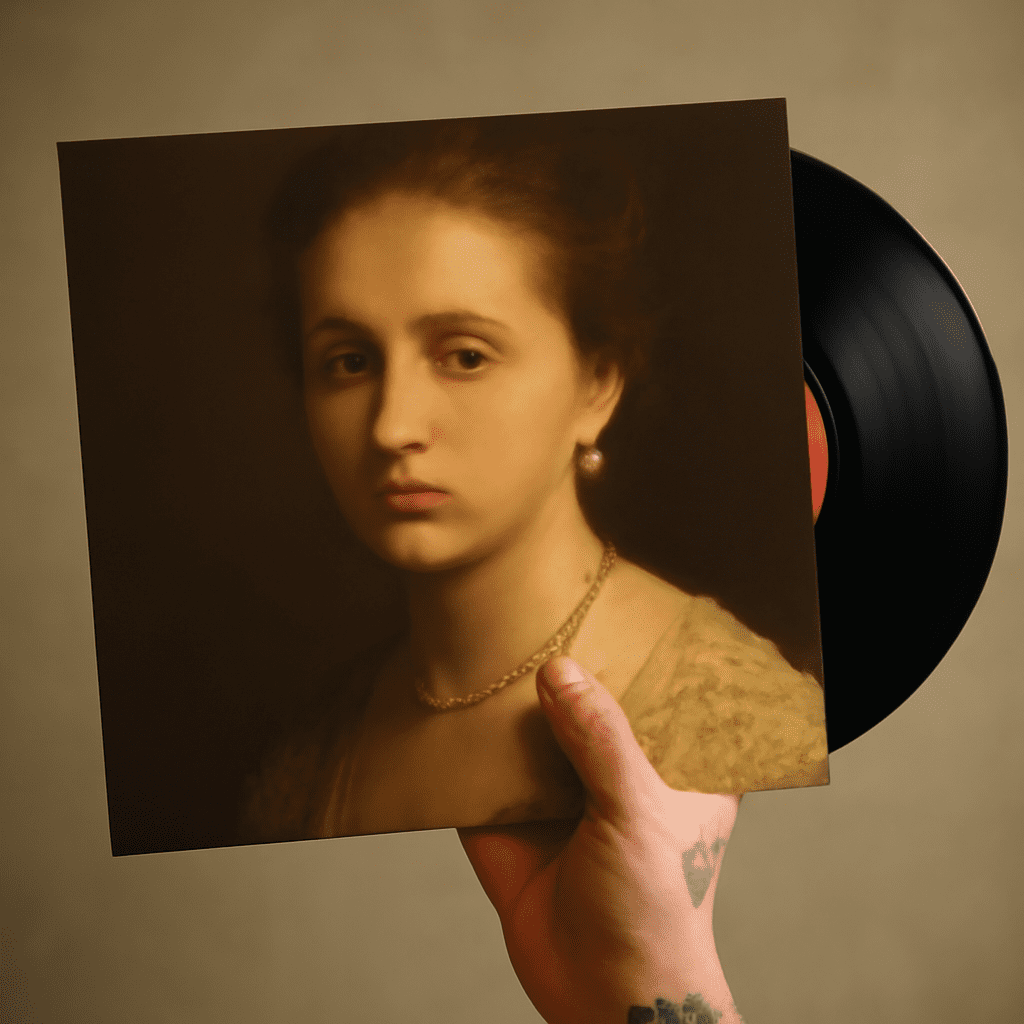
Creating an album cover that captivates and communicates the essence of your music is crucial in today’s digital age. Whether you’re an independent artist or a seasoned musician, using an album cover creator can simplify the process and ensure your design stands out. In this guide, we explore the top tools and tips to help you create compelling covers effortlessly.
Understanding Album Cover Creators
Album cover creators are digital tools that allow users to design artwork for their music projects. These tools come equipped with customizable templates, graphics, fonts, and editing features that cater to both beginners and experienced designers. By leveraging these resources, you can produce professional-quality covers without needing extensive design skills.
Top Free Album Cover Makers to Try
There are several free album cover maker options available that offer a range of features and functionalities. Here are some of the top picks:
- Canva: Known for its user-friendly interface, Canva provides a vast library of templates and elements suitable for album cover design.
- Adobe Spark: Offering a range of customization options, Adobe Spark enables users to create visually appealing covers easily.
- Crello: With numerous pre-designed templates, Crello is ideal for artists who want quick results with minimal effort.
- Snappa: This tool is perfect for those needing a straightforward design process with access to high-quality images and graphics.
How to Design an Impactful Album Cover
To design an impactful album cover, consider the following steps:
- Define Your Concept: Before diving into design, clarify the message and theme you wish to convey through your cover art.
- Choose the Right Tool: Based on your design needs and skill level, select a suitable album cover creator from the options mentioned above.
- Utilize Templates and Customization: Start with a template that resonates with your concept, and customize it using various fonts, colors, and graphics.
- Remember the Essentials: Ensure your cover includes the album title, artist name, and any other necessary text, with a focus on readability.
- Seek Feedback: Before finalizing, get feedback from peers or potential listeners to ensure your design aligns with your music’s vibe and audience expectations.
Tips for Using a Song Cover Maker
When utilizing a song cover maker, keep these tips in mind to maximize your results:
- Keep it Simple: A clutter-free design often has a stronger impact. Focus on key elements that represent your music effectively.
- Ensure Brand Consistency: If you have a specific style or brand, make sure your cover aligns with it to maintain a cohesive image.
- Test Variations: Experiment with different designs and layouts to see which resonates best with your target audience.
- Optimize for Platforms: Consider the size and format requirements of the platforms where your music will be released, ensuring your cover looks great everywhere.
- Stay Updated: Keep an eye on design trends in the music industry to make sure your album cover remains modern and relevant.
By exploring these tools and techniques, you can harness the power of digital design to create stunning album covers that leave a lasting impression.